How Sakrano works
From a curious question to a finished lesson in six steps. Here's the whole journey a child takes on Sakrano.
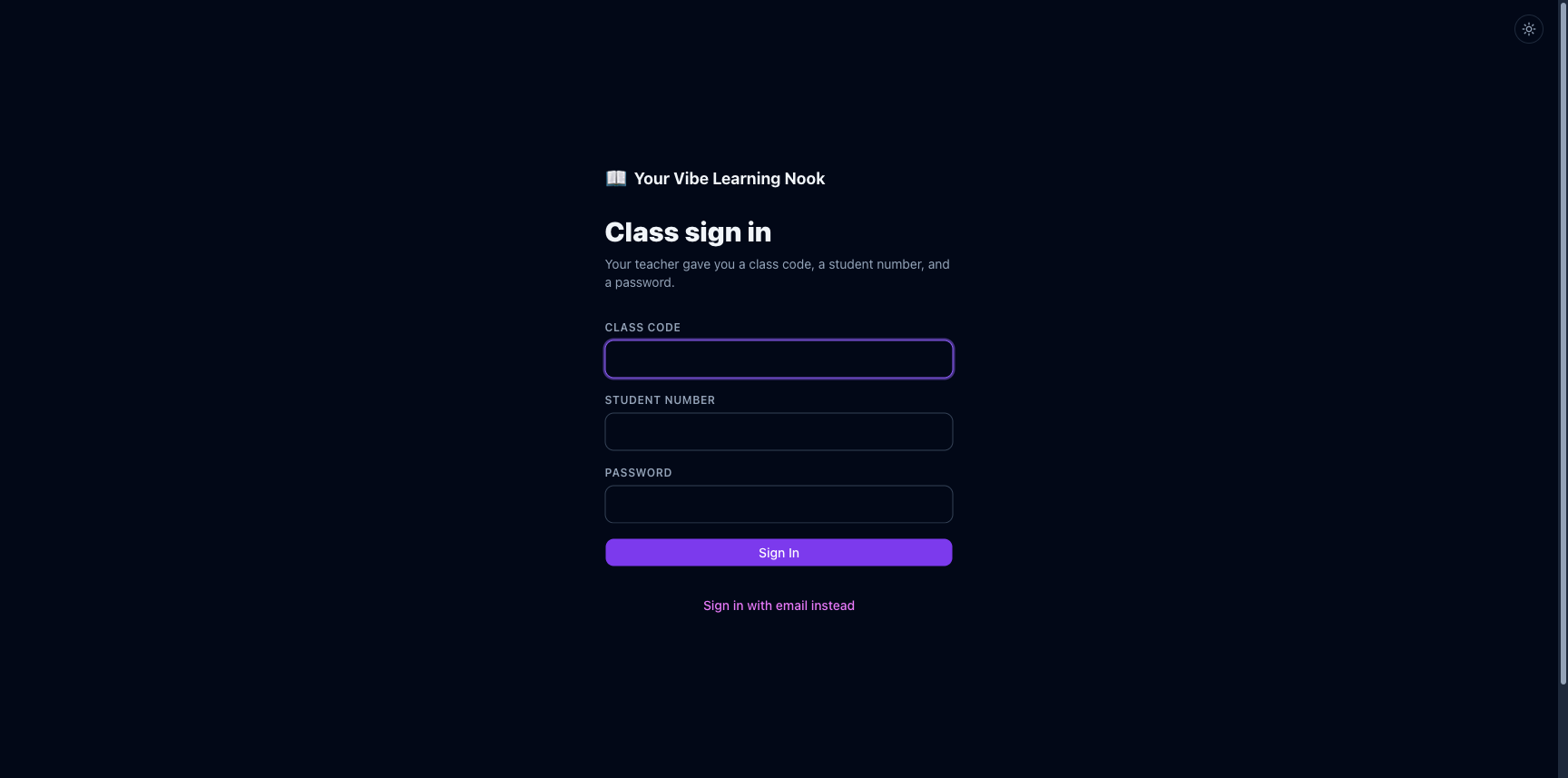
1. Sign in
Students join with the class code, student number and password their teacher gives them. Not in a class? Create a free account instead — parents can sign up their kids, and teens 13+ can sign up themselves.
2. Pick a topic
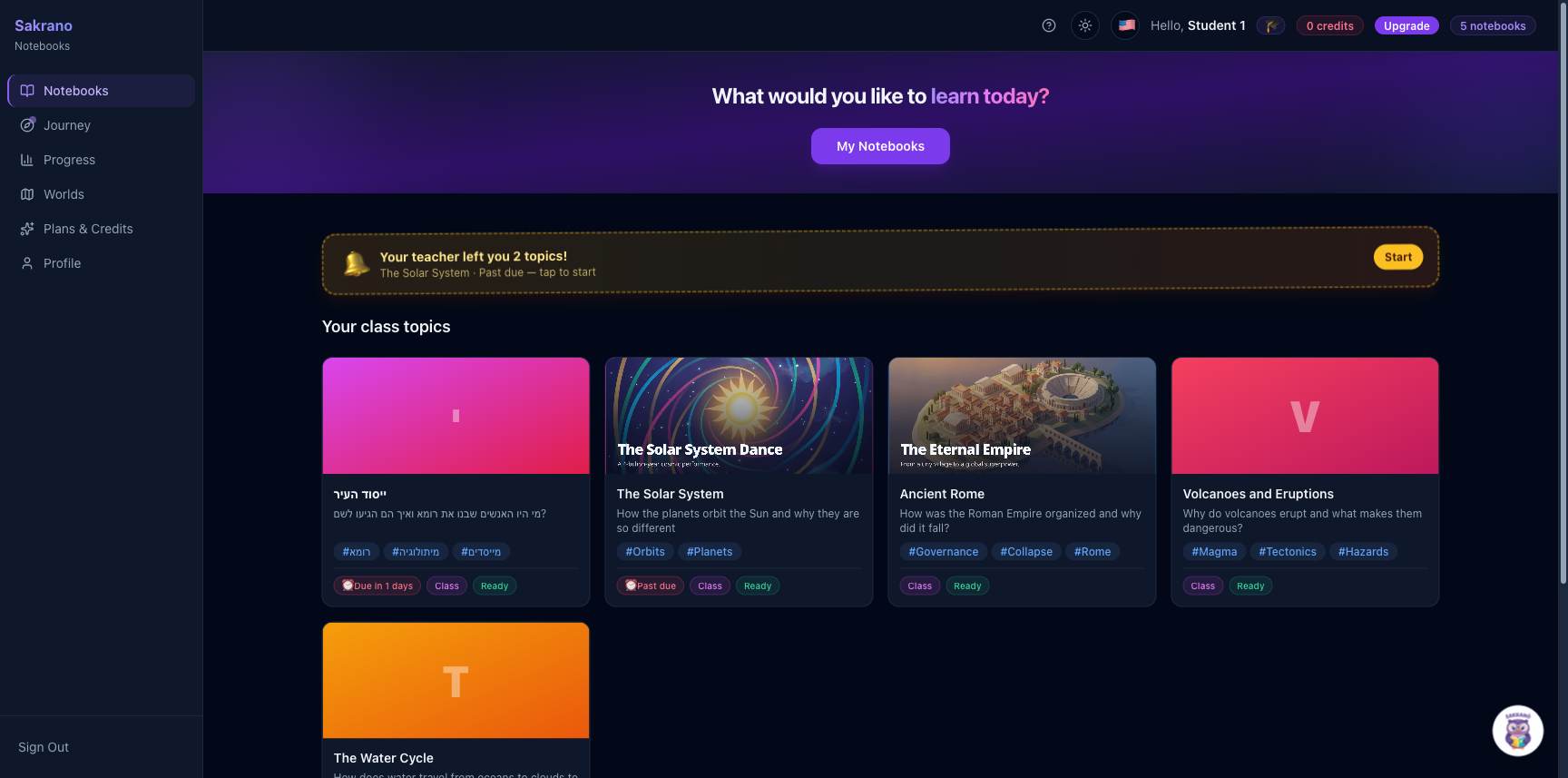
Your home shows the topics your teacher set — and any topic you create yourself. Each card is a complete learning notebook. Tap one to open it.
3. Watch the video lesson
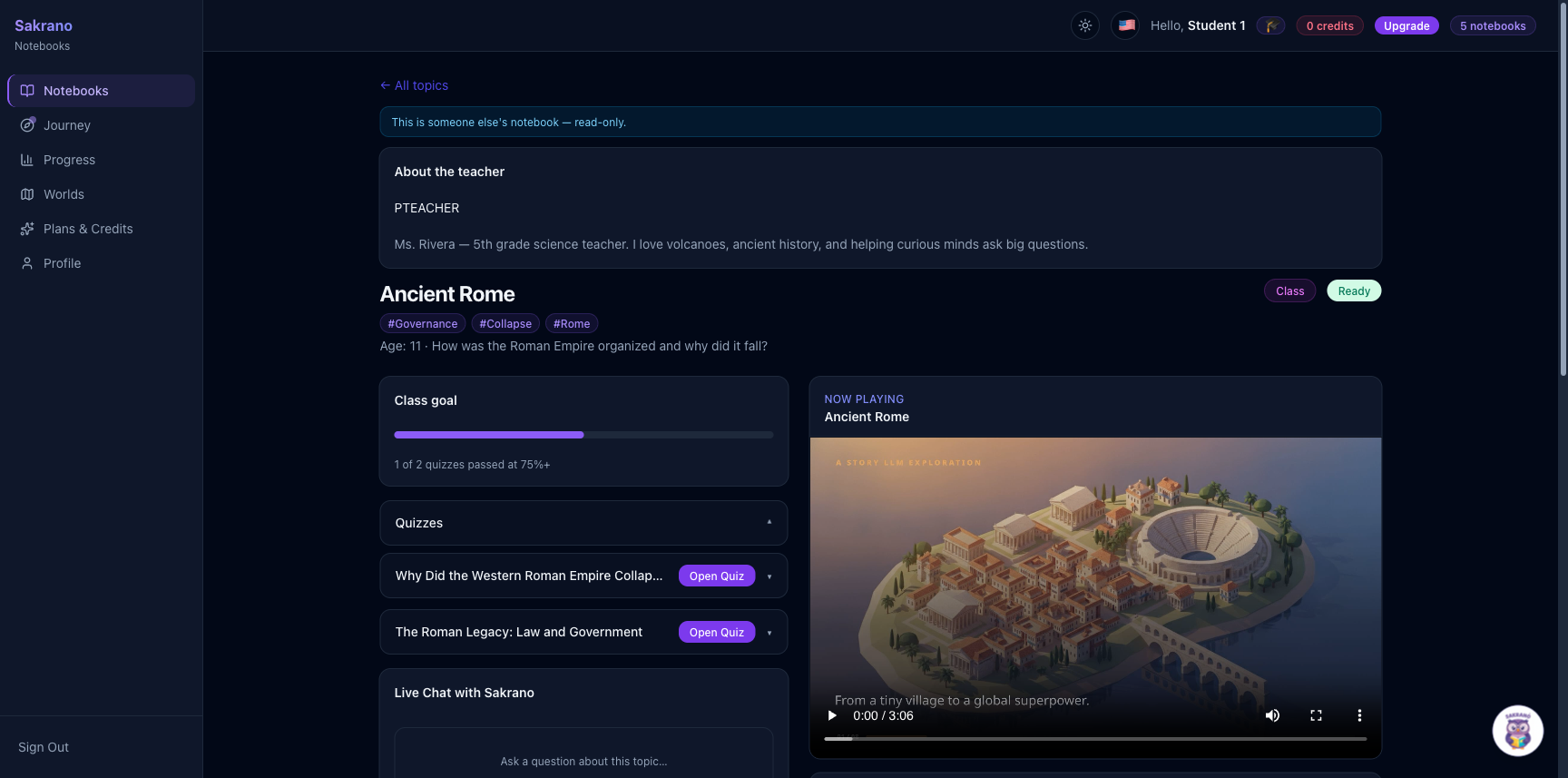
Every notebook opens with a short narrated video made for the child's age and language. Longer topics are split into a few videos you can play in order.
4. Take the quiz
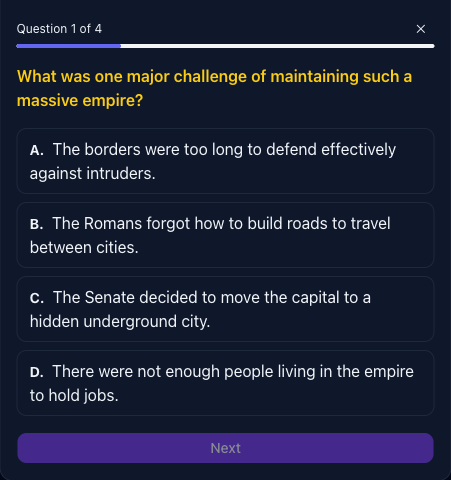
Answer the quiz to check what you learned. Teachers can set a class goal — for example, pass two quizzes at 75% — and you can see how close you are.
5. Ask the tutor
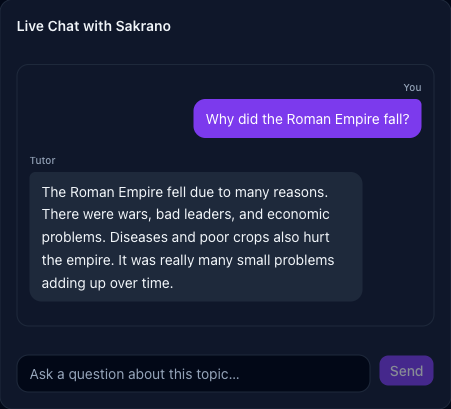
Ask anything about the topic in the Live Chat. The tutor only answers from the lesson's own research — so it stays safe, accurate and on-topic, never wandering off into the open internet.
6. Earn badges and track progress
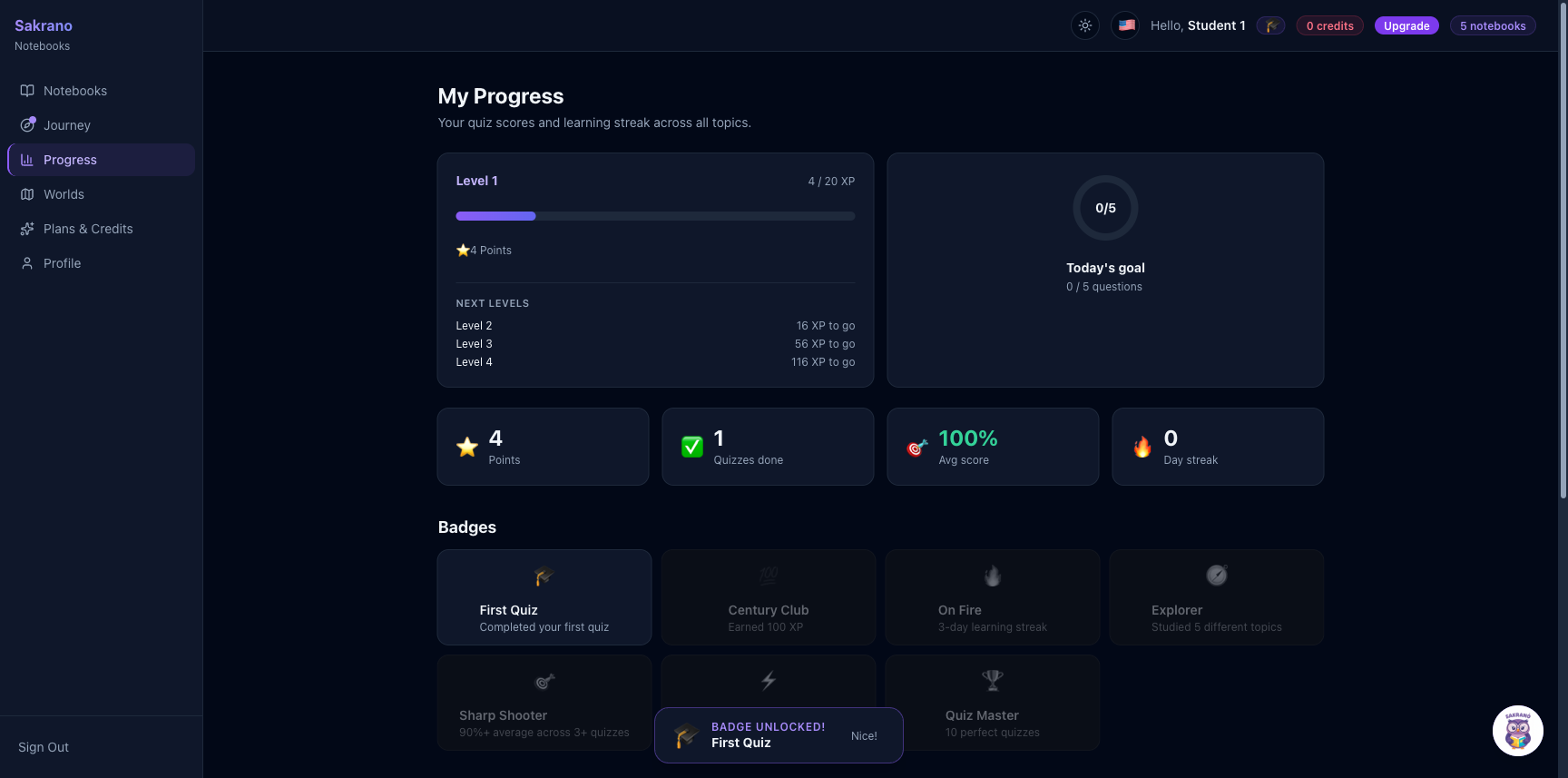
Passing quizzes earns badges and streaks. Your progress page shows what you've completed and how you did — so learning feels like a game you're winning.
Ready to try it?
Sign up free and create your first learning notebook.
Get started